

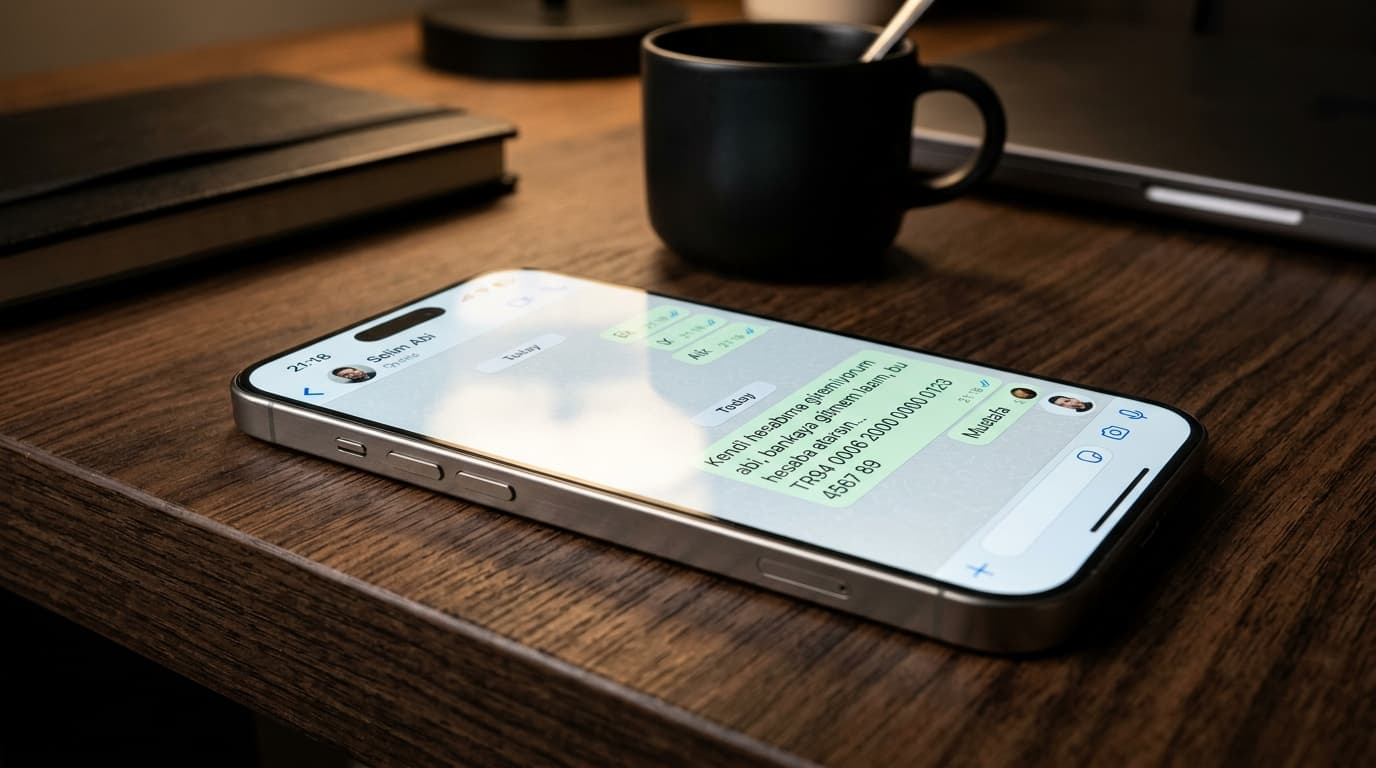
Anatomy of the Attack and the "Ghost Session" Mechanism
A new, sophisticated social engineering and cyber breach wave specifically targeting iPhone (iOS) users has surfaced. Attackers who gain unauthorized access to WhatsApp accounts reach out to family members, colleagues, and contacts in the victim's address book, demanding urgent loans or money transfers.
What differentiates this threat from traditional SIM swapping or credential theft is the alarming stealth factor: the messages sent by the intruders do not appear on the real user's iPhone WhatsApp chat interface. Victims typically remain oblivious to the ongoing fraud until a concerned relative calls their cellular line to verify the transfer.
WhatsApp Multi-Device Architecture Exploitation
Under WhatsApp's multi-device architecture, up to four companion devices (WhatsApp Web, Desktop, Tablet) can maintain independent, persistent WebSocket connections even when the primary smartphone is offline. Each linked client operates its own end-to-end encryption key pairs.
Threat actors exploit stolen session tokens or native client vulnerabilities to hook into the messaging pipeline. By suppressing local sync triggers or manipulating local SQLite client stores, outgoing malicious messages are routed exclusively through the attacker's endpoint without alerting the victim's local display.
Suspicions Regarding "Coruna" Spyware & 23-Vulnerability Exploit Chain
Security researchers highlight potential connections with the advanced exploit framework known as "Coruna":
- 23 Exploited Vulnerabilities: According to Google Threat Intelligence Group (GTIG) reports, Coruna chains up to 23 vulnerabilities spanning iOS 13.0 to iOS 17.2.1, targeting WebKit and XNU kernel memory spaces.
- Watering-Hole Infiltration: Infection does not necessitate direct file downloads; visiting compromised websites or malicious ad syndicates can trigger zero-click or one-click WebKit execution.
- Regional Forensic Correlation: While judicial and forensic authorities have not yet published a definitive link between recent Turkish incidents and Coruna, the behavioral pattern—ghost sessions, hidden devices, and targeted evasion—is technically identical.
Social Engineering Scenario: "I Can't Access My Bank Account"
Attackers inspect previous message threads to mimic tone, intimacy, and vocabulary. A standard ploy involves fictitious banking glitches:
"Hey, I have an urgent issue. My banking app is blocked and I need to visit the branch. Can you urgently send money to this IBAN? I'll settle it first thing this afternoon."
Because the request originates from a genuine, trusted contact, relatives frequently comply without hesitation. Funds are instantly funneled through money-mule accounts into non-custodial crypto assets.
Comparison Matrix: Traditional Phishing vs. Ghost Session Hijacking
| Dimension | Traditional SMS / OTP Phishing | Next-Gen Ghost Session (Coruna) |
|---|---|---|
| Infiltration Vector | Trick user into sharing SMS code | WebKit exploit chain, token hijacking |
| Victim Awareness | WhatsApp immediately halts and alerts | WhatsApp runs completely normal on phone |
| Visibility of Messages | Clearly displayed in conversation log | Hidden or suppressed on primary device |
| Linked Device Audit | Suspicious browser appears in settings | Session may be masked or API-hooked |
| Detection Point | Immediate notice by account holder | Discovered hours later via voice calls |
5-Step Security and Defense Protocol
- Never Postpone iOS and WhatsApp Updates: Apple patched the vulnerabilities utilized by Coruna in iOS 17.3 and via Rapid Security Responses. Keep both iOS and WhatsApp updated to the latest builds.
- Enforce Voice Verification (Zero-Trust Principle): Never transfer funds based on text messages alone. Always dial the person directly over the standard cellular network to verbally verify the request.
- Audit Linked Devices: Periodically review
WhatsApp > Settings > Linked Devicesand terminate all unverified or inactive sessions immediately. - Enable Two-Factor Authentication (2FA): Configure a 6-digit PIN and backup email in WhatsApp settings to block unauthorized secondary pairing.
- Flush Safari and Cache Data: Clear WebKit cache and website data via
Settings > Safari > Clear History and Website Data.