Spline is a real-time 3D modeling and scene compilation platform that runs natively inside the web browser via WebGL and WebGPU. Enabling designers and software engineers to convert complex 3D assets into production-grade code, the platform features a dedicated Spline MCP architecture that allows AI agents such as Claude and Cursor to manipulate scene states programmatically.
Engineering Summary
Spline abstracts Three.js and WebGPU execution layers into an intuitive visual workspace, minimizing in-browser rendering overhead. Through Model Context Protocol (MCP) integration, autonomous coding agents can inspect the 3D scene graph and write animation keyframes directly. Generated scenes embed into web applications as zero-config React components and vanilla JavaScript bundles.
Why It Hit Our Radar: A Real Production Story
Integrating 3D assets into production frontend codebases has historically posed major technical hurdles. Monolithic export files generated in Blender or Cinema 4D frequently caused severe draw call spikes, frame drops, and mobile memory crashes when imported into a Three.js canvas. Every design revision demanded manual camera matrix recalibration and custom GLSL shader patching between design and engineering teams.
Spline resolves this pipeline bottleneck by making the scene graph directly editable and parametrically manageable within the browser runtime. Physics configurations, material states, and camera angles created by designers are serialized directly into optimized JSON and binary buffers. Furthermore, the Spline MCP protocol exposes these scene parameters to coding environments, empowering AI agents to make programmatic layout adjustments autonomously.
Under the Hood: Architecture, Interactions, and Tech Stack
At the platform core sits a reactive runtime powered by WebGL and WebGPU, delivering optimized compilation targeting Apple Metal on iOS and Vulkan on Android. Frontend developers can tap official client SDKs to trim asset payload sizes while wiring interactive scene events straight into central application state stores. When designing spatial web interfaces, the technical benchmarks established across web design services by Kling Digital dictate strict draw call budgets to prevent thread blocking.
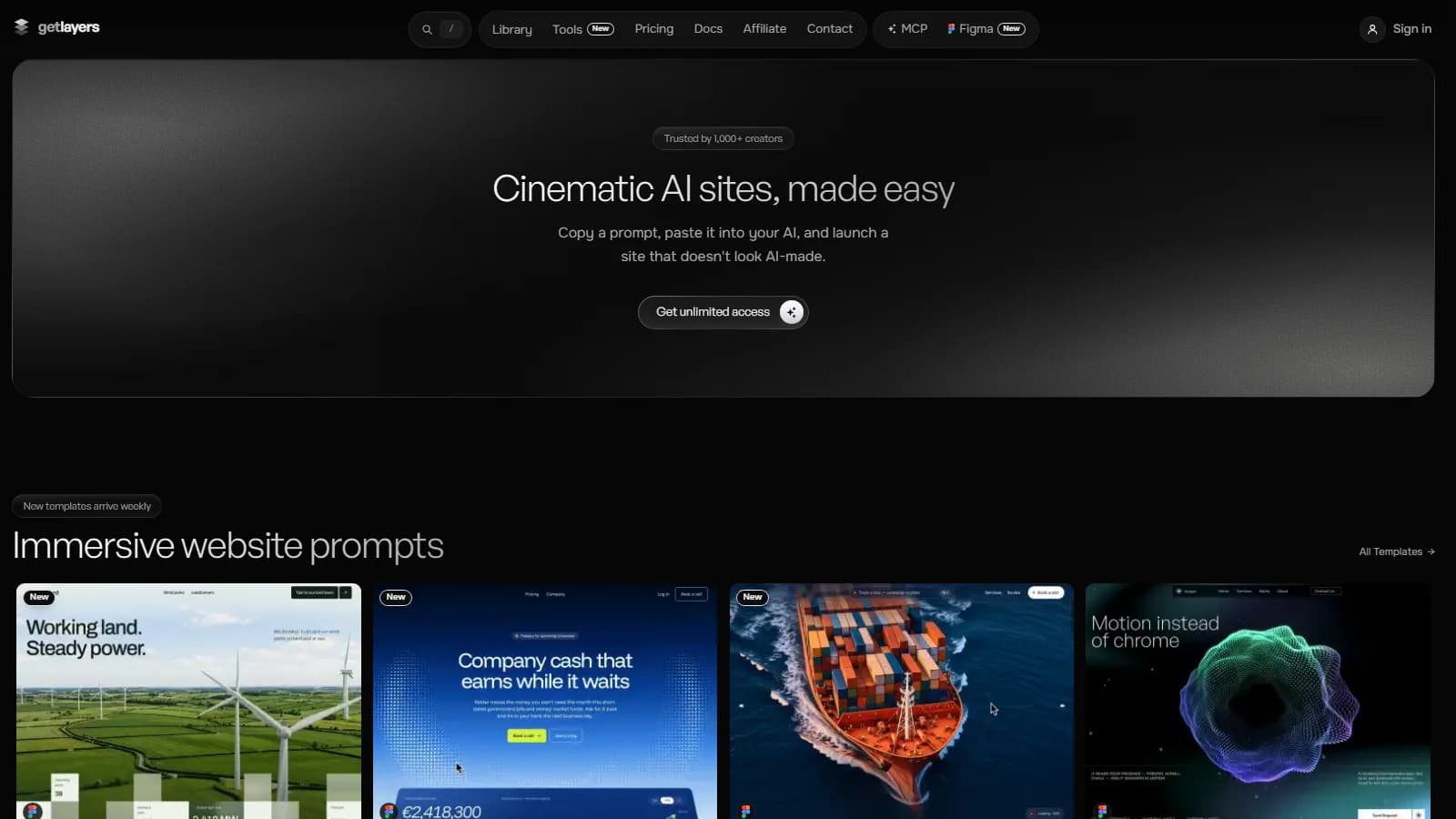
To evaluate runtime paint latency and asset loading profiles, teams should benchmark bundles using the Kling Digital speed tester. Meanwhile, for vector-heavy and layer-based design pipelines, pairing these workflows with insights from our GetLayers AI review establishes an integrated, production-ready design workflow.
| Evaluation Metric | Traditional Manual Pipeline | Spline Architecture |
|---|---|---|
| Integration Velocity | Days spent on Blender asset exports and Three.js wiring | Live in minutes via native React wrappers or embed code |
| Interaction Handling | Hand-written raycasting, collision math, and GLSL code | Declarative state machine and visual event triggers |
| Agent Integration | None; 3D scenes remain opaque to AI coding tools | Spline MCP allows Claude and Cursor to edit scene graphs |
| Mobile GPU Overhead | Uncontrolled texture bloat and polygon spikes | Automated geometry reduction targeting Vulkan and Metal |
When to Use and When to Avoid in Production
Spline excels on SaaS landing environments, interactive product configurators, and lightweight gamified onboarding flows. However, for industrial CAD models with hundreds of thousands of polygons or AAA-tier browser experiences that require bespoke compute shaders, standalone Three.js or Babylon.js engines remain preferable. Furthermore, Spline's cloud-dependent asset pipeline presents vendor lock-in considerations for strictly air-gapped enterprise networks.
Kling Digital Architecture Note
The Kling Digital engineering team recommends mounting Spline canvases via IntersectionObserver and dynamic code splitting so the runtime initializes only when scrolled into the viewport. This protects the First Contentful Paint (FCP) and prevents unnecessary CPU and GPU usage.