Presenta Design, developed by Craftwork, is a zero-signup 3D device mockup and product teaser studio that processes all visual assets directly on the client side using Three.js, WebGL, and HTML5 Canvas without sending image buffers to remote servers. Beyond static PNG, JPG, or WebP exports, the platform generates WebM video animations using an integrated camera timeline and provides a local Playwright MCP server for AI coding agents such as Claude Code and Cursor, bringing mockup generation directly into terminal workflows.
Engineering Summary
Unlike traditional SaaS mockup tools, Presenta Design completely bypasses server-side render queues. Screenshots are processed directly within the browser GPU memory. 3D spatial transformations are calculated via Three.js matrices, while camera interpolations like Orbit Right, Punch In, Slow Zoom Out, and Scan Left to Right are encoded into WebM directly inside the client. Furthermore, instead of exposing an external REST API, it distributes a local Playwright-based MCP server script (presenta-mcp.mjs) allowing AI agents to generate 3D device mockups via headless Chromium.
Why It Caught Our Radar: A Production Case Study
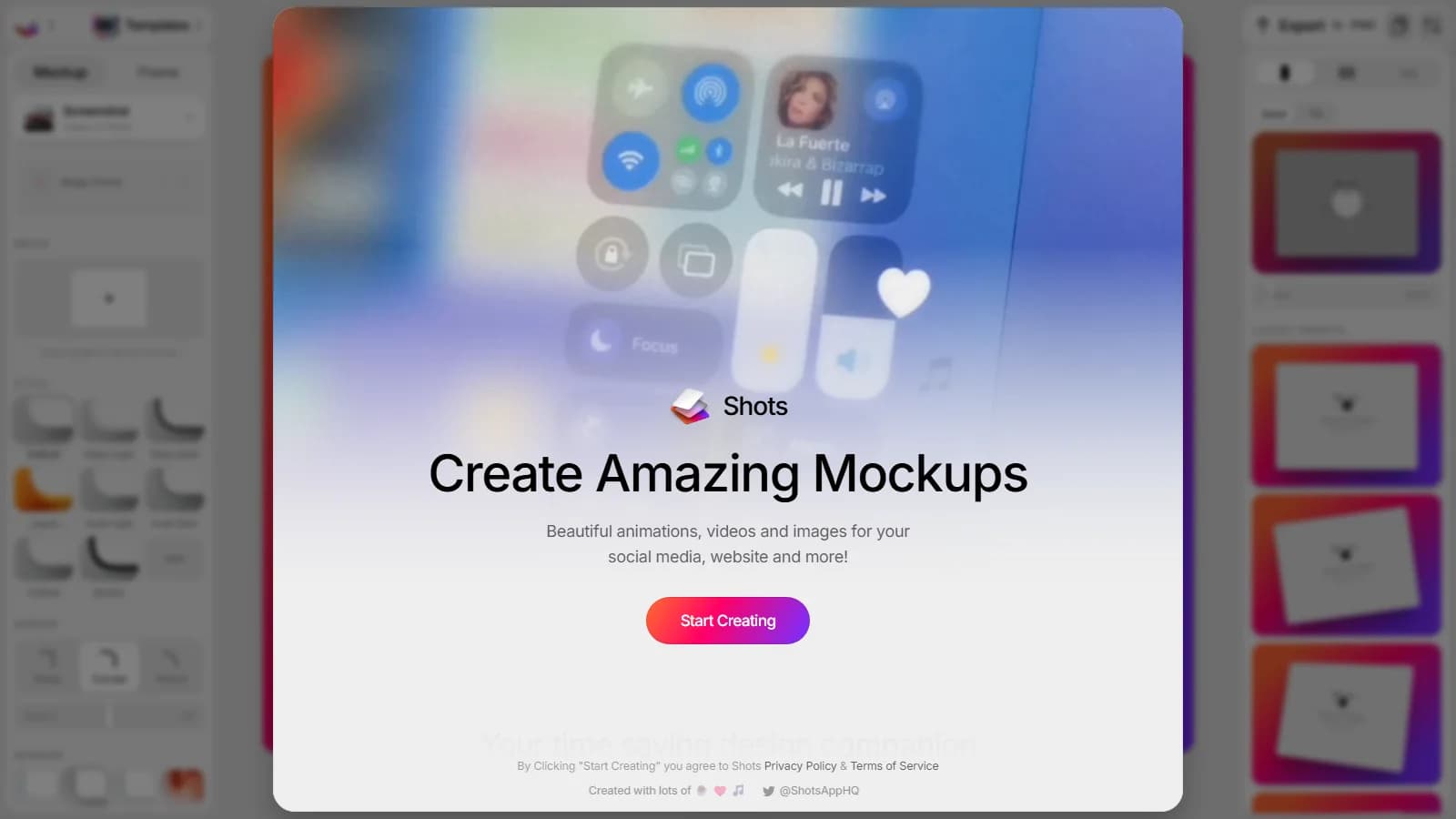
Modern product teams and developer advocates encounter two friction points when showcasing web apps: composing 3D perspective device frames in design tools like Figma is time-consuming, while video-driven product teasers typically demand heavy editing suites like After Effects or Premiere. Most online alternatives upload raw images to cloud servers, introducing latency and privacy risks. As explored in our Shots.so review, client-side rendering elevates this workflow, and Presenta Design pushes the boundary further.
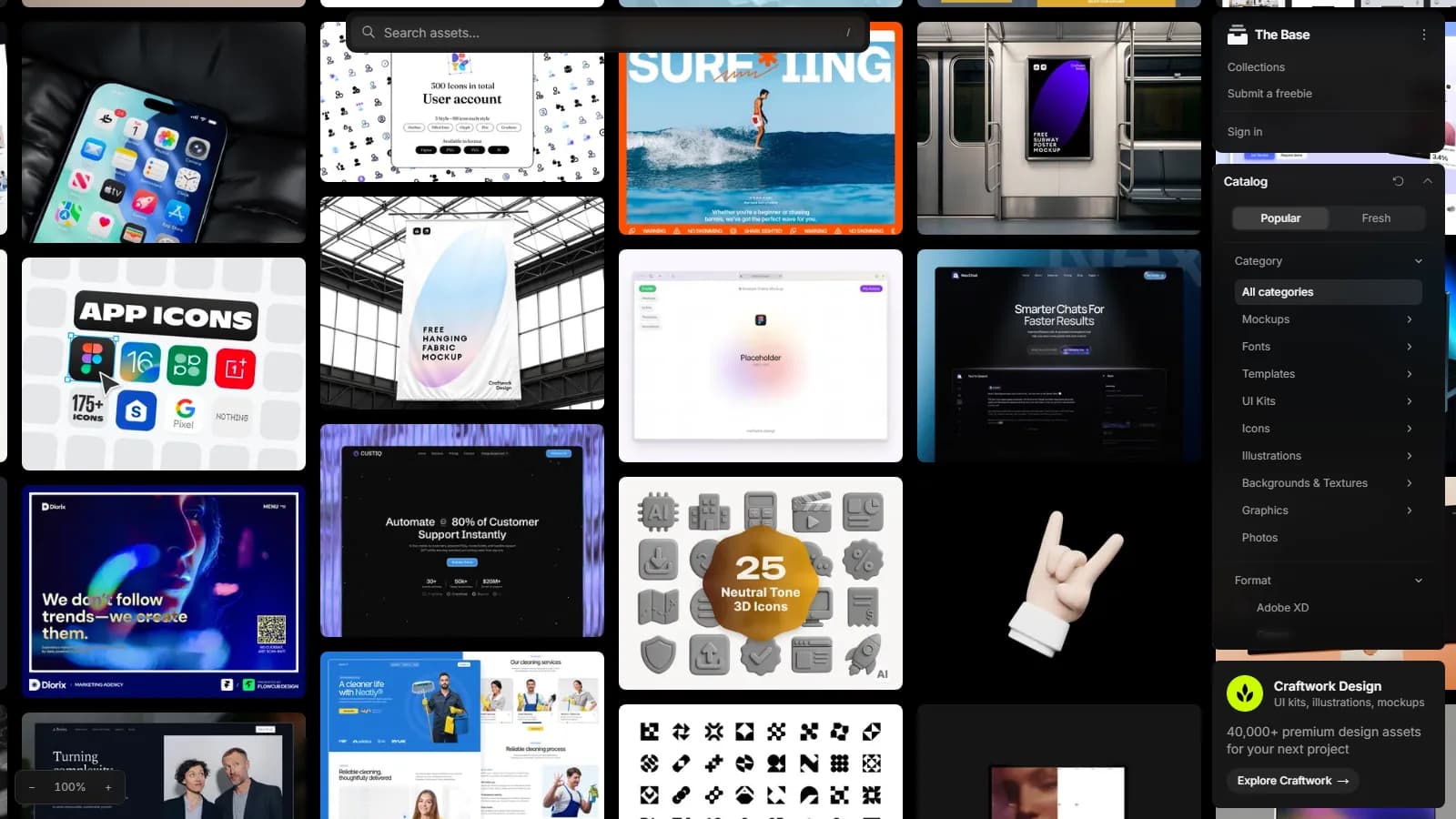
Craftwork's Presenta operates instantly upon loading the URL with zero authentication barriers. Designers can drag components from enterprise UI/UX design systems onto the canvas, project them onto 3D hardware models, adjust shadow angles, and export micro-animated WebM videos in seconds. Its most disruptive engineering move is publishing a Model Context Protocol (MCP) server powered by Playwright for Claude Code, Codex CLI, and Cursor.
Under the Hood: Architecture, Interactions, and Stack
Presenta's internal architecture rests on three core technical layers: the WebGL rendering engine, the keyframe video encoder, and the local headless automation layer.
- In-Browser WebGL / Three.js Scene: User screenshots are converted to local Blob URLs and mapped as textures onto Three.js meshes. Device chassis (iPhone, MacBook, iPad, desktop monitors) are low-poly optimized 3D assets; reflections and ground drop shadows are computed in real time with hardware acceleration in the browser WebGL context.
- Camera Timeline and WebM Export: The platform goes beyond static framing. It provides pre-configured camera trajectories such as Orbit Right, Punch In, Slow Zoom Out, and Scan Left to Right. Throughout the chosen animation timeframe, Three.js camera matrices are interpolated, and canvas frames are captured through the HTML5 MediaRecorder API to build an uncompressed WebM video stream directly in-browser.
- AI Site Shots and Playwright MCP Server: Rather than relying on cloud API tokens, Presenta provides a local Node.js script (https://presenta.design/agents/presenta-mcp.mjs). Developers register the tool with Claude Code or Cursor using
. The MCP server spins up a background Playwright Chromium instance, navigates to the target URL, captures the page, injects it into Presenta's canvas, and saves the rendered 3D mockup to local disk.claude mcp add --scope user presenta -- node ~/.presenta/presenta-mcp.mjs - Pixel Validation and Performance: Engineering teams seeking to optimize asset load times and capture speed can use our speed analyzer tool to inspect target site weights, ensuring faster headless captures through the Presenta MCP pipeline.
| Technical Parameter | Presenta Design Architecture | Traditional Cloud Mockup Tools |
|---|---|---|
| Data Security | Zero server transfers; processed in local Blob and WebGL memory | Screenshots uploaded and processed on remote servers |
| Video Generation | Client-side WebM render via keyframe camera interpolation | Limited to static PNG or low-framerate GIF exports |
| Agent Integration | Official Playwright local MCP server (presenta-mcp.mjs) | Restricted REST APIs or third-party webhook wrappers |
| Account Model | No-signup, watermark-free core studio tier | Mandatory signups and restrictive freemium tiers |
| Minimum Viewport | 1200px desktop width (Canvas locks on narrow screens) | Responsive or constrained mobile layouts |
When to Deploy in Production and When to Avoid It
While Presenta Design delivers unmatched speed in specific setups, its architectural choices dictate clear boundaries:
- Ideal Use Cases: Generating fast product teaser clips for release launches, embedding polished 3D device frames into changelogs, and automating documentation screenshots via CI/CD or CLI-based AI agents like Claude Code.
- When to Avoid: Viewports under 1200px or mobile devices (the editor locks with the warning 'Presenta needs a wider screen'). Enterprise delivery pipelines strictly requiring native MP4 outputs without secondary ffmpeg transcoding.
Kling Digital Architecture Note
In Kling Digital's technical assessment, Presenta's standout advantage is its headless Playwright MCP server. Connecting this server to your continuous integration pipeline or Cursor/Claude terminal enables automated 3D mockup generation on every frontend release, keeping your repository documentation and release notes current without human design overhead.