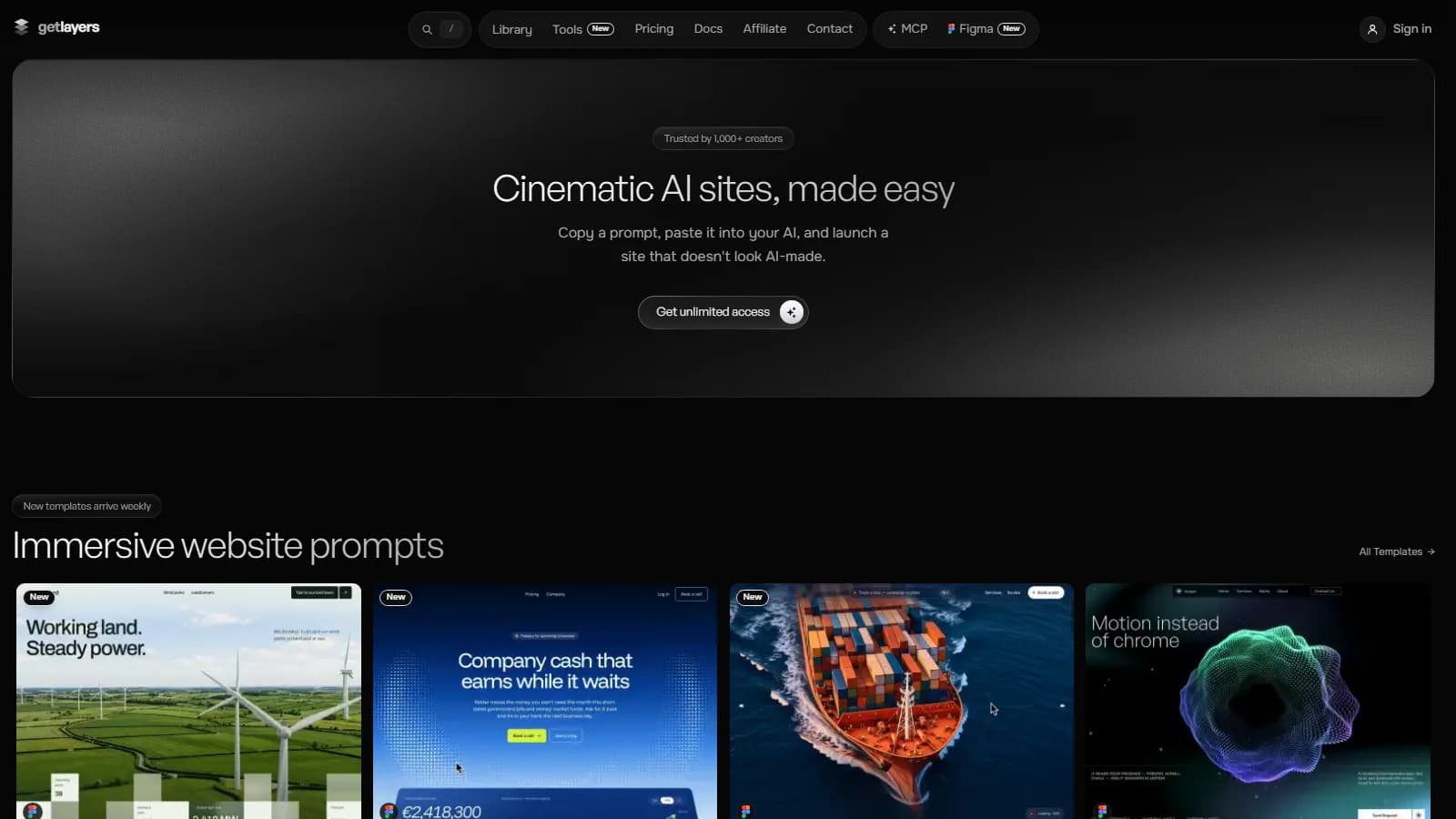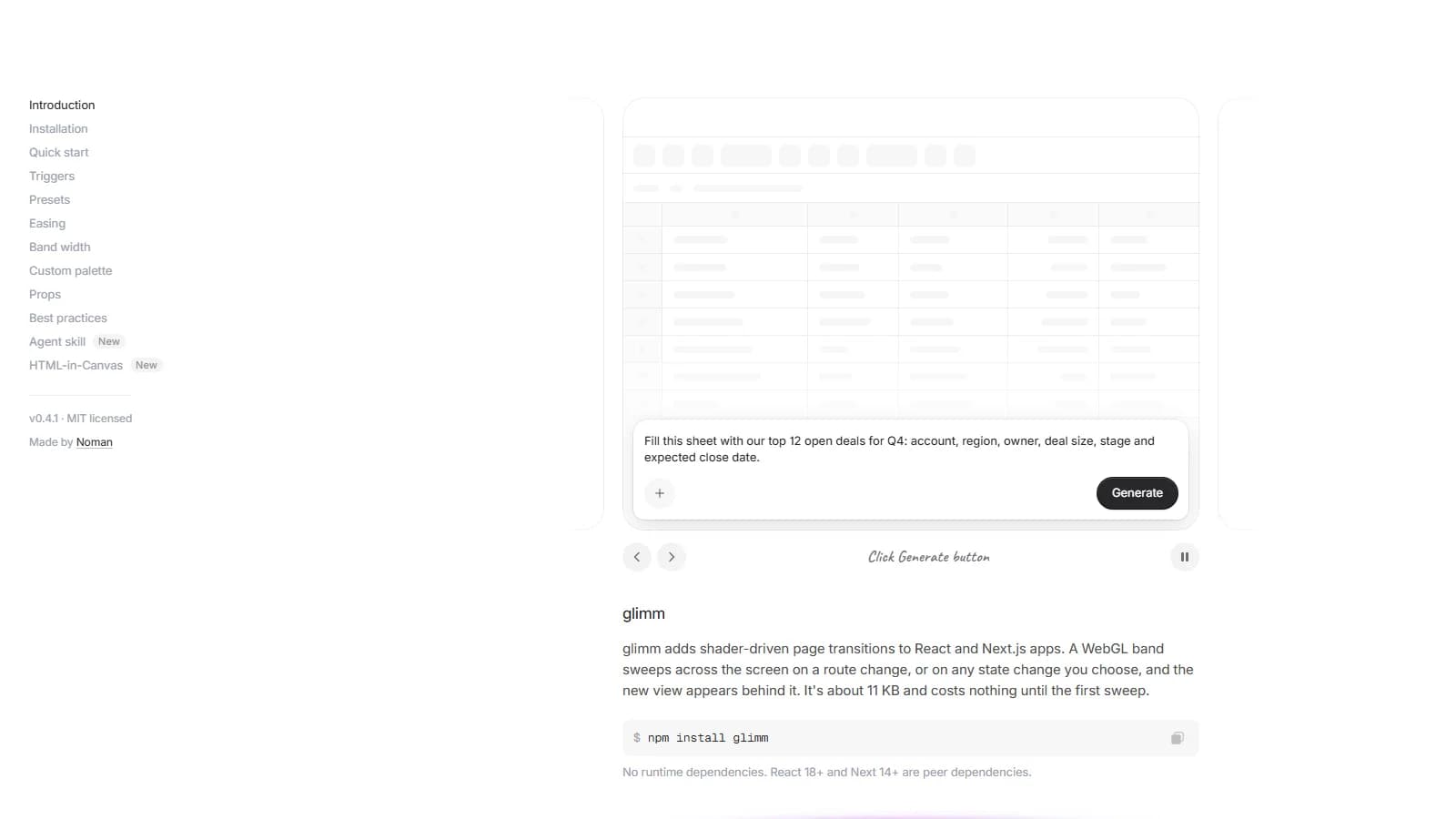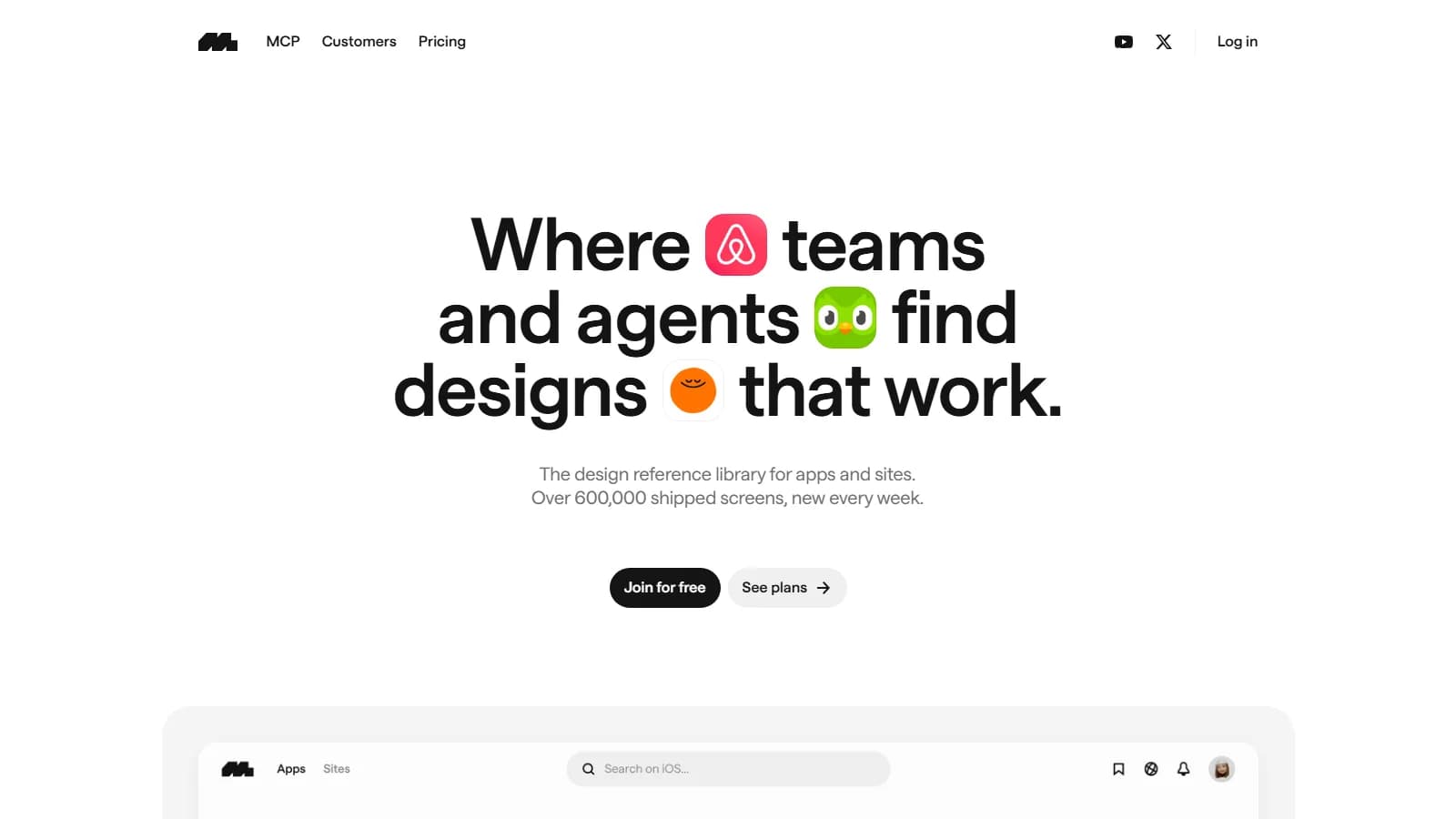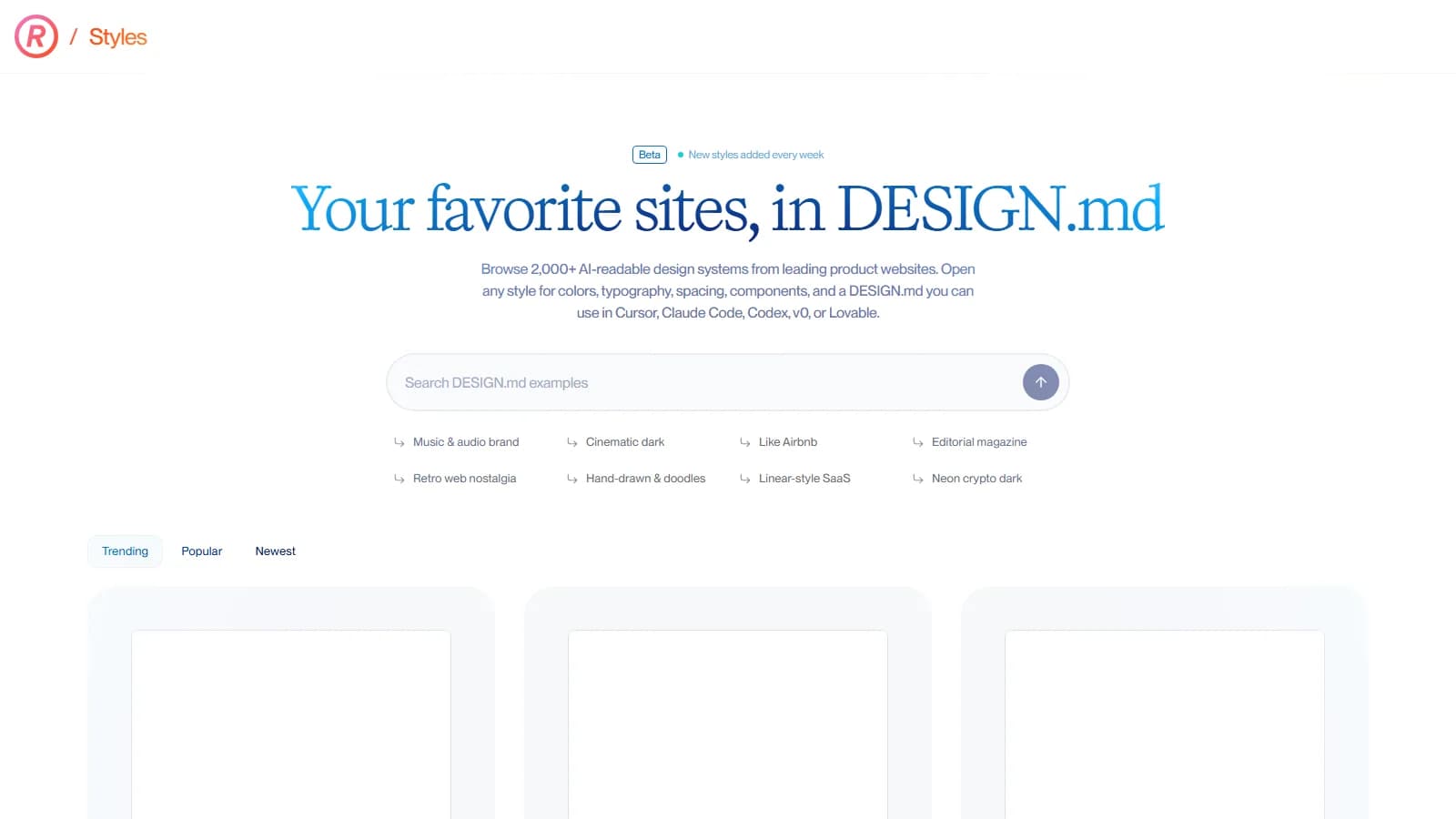
HorizonX is a hybrid design-to-code library delivering WebGL and Three.js animated shader backgrounds, granular textures, 3D device mockups, and production-ready React components for modern web applications. Moving beyond static UI kits, it provides optimized code modules that integrate seamlessly with AI-native development environments such as Cursor, Codex, and Claude Code.
Engineering Summary
HorizonX delegates shader computations directly to the client-side GPU, drastically reducing DOM render overhead. Modular boilerplate templates built for Claude Code and Cursor trim prototyping cycles from hours to minutes, preserving 60 FPS visual fidelity alongside full Tailwind CSS and React architecture compatibility.
Why It Hit the Radar: The Real Production Context
Frontend engineers tasked with elevating user engagement often face a recurring dilemma: static layouts fail to engage, while bespoke WebGL animations demand manual GLSL shader programming that paralyzes sprint schedules. Substituting these with video backgrounds or heavy Lottie files inflates network payload, deteriorating Core Web Vitals.
HorizonX circumvents this bottleneck by packaging mathematical GLSL shader logic into modular React components. Lightweight client scripts deliver fluid light refractions and tactile noise overlays without consuming bandwidth. As AI coding tools gain mainstream adoption, importing these components into Cursor and Claude Code via prompt-ready structures significantly accelerates delivery.
Under the Hood: Architecture, Interactivity, and Tech Stack
The technical foundation of HorizonX pairs the Canvas API and Three.js with a modular Tailwind CSS scaffolding. Because visual calculations run directly via GPU fragment shaders, the CPU main thread remains unimpeded at 60 FPS. Enterprise design teams balance visual depth with runtime performance, mirroring strategies applied in Kling Digital enterprise ui-ux design systems deployments.
Auditing deployed pages with the free Kling Digital speed tester confirms that code-driven shader canvases protect First Contentful Paint (FCP) compared to heavy MP4 loops. As highlighted in our comparative GetLayers AI review, programmatic assets consistently offer superior scalability over pre-rendered media.
| Evaluation Metric | Traditional Workflow | HorizonX Architecture |
|---|---|---|
| Shader Integration | Requires writing custom GLSL and configuring Three.js canvas lifecycles manually. | Provides pre-compiled, parametric React wrappers with optimized shader logic. |
| Performance & Network | Heavy video and GIF loops drive multi-megabyte transfers, hurting Core Web Vitals. | Mathematical WebGL operations execute on the GPU with minimal asset overhead. |
| AI Coding Readiness | Manual refactoring needed to inject external boilerplate into Cursor or Claude Code. | Native MCP and prompt-optimized React/Tailwind syntax pastes directly into AI editors. |
When to Deploy vs. When to Skip
HorizonX shines across high-conversion SaaS landing pages, Web3 platforms, agency portfolios, and interactive dashboard experiences. Designers can drop matching Figma tokens into layouts while developers wire up the corresponding React components within seconds.
Conversely, for internal enterprise portals or audiences reliant on legacy hardware and low-power mobile browsers, unmetered WebGL execution risks thermal throttling and battery drain. In such constraints, lightweight CSS fallbacks remain the safer engineering choice.
Kling Digital Architecture Note
When implementing WebGL canvases across primary viewports, always wire up prefers-reduced-motion media queries and fallback CSS layers to protect mobile devices from GPU strain. The engineering team at Kling Digital standardizes pausing off-screen shader canvases via Intersection Observer to eliminate unnecessary background draw calls.