Mobbin is a design reference library mapping over 600,000 production iOS, Android, and web screens into end-to-end user flows. Instead of speculative mockups, it indexes market-proven interface patterns, UI components, and micro-interactions, cutting product research cycles from days down to minutes.
Engineering Overview
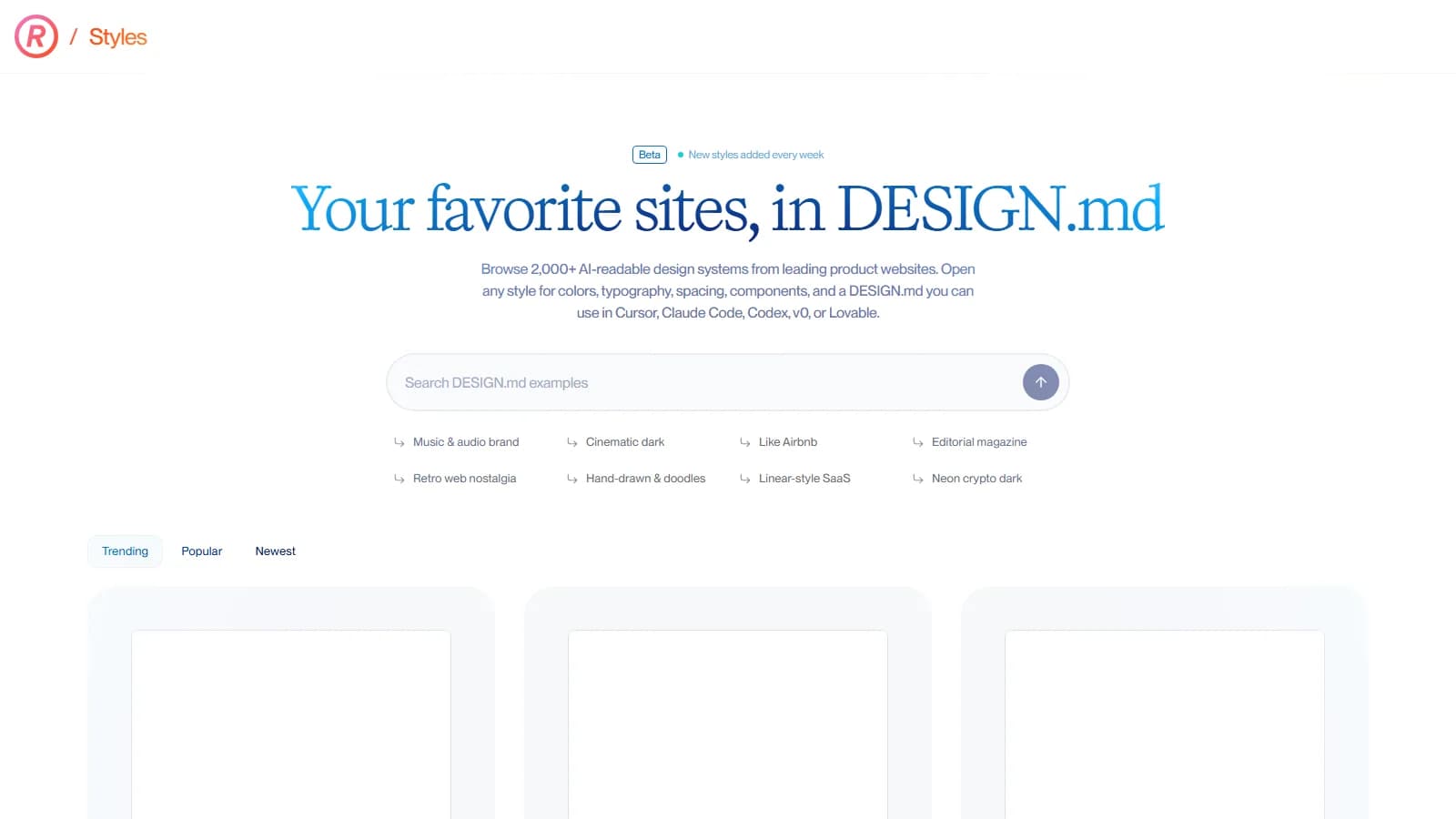
Unlike portfolio platforms, Mobbin catalogs only live consumer and enterprise applications. Screens are structured into logical flow diagrams covering onboarding, checkout, and error recovery. With built-in Model Context Protocol (MCP) and llms.txt support, autonomous AI agents can query these production design patterns as ground-truth context.
Why It Hit the Radar: Real Production Context
Product teams frequently suffer from reinventing industry-standard flows from scratch. When designing fintech onboarding or enterprise authorization workflows, designers and engineers often spend hours downloading competitor apps, capturing device screenshots, organizing them manually on canvas boards, and discovering logical edge cases only in staging. Mobbin systematically archives new versions of global applications, removing manual data collection. Product teams reference proven production patterns rather than relying on unverified assumptions.
Under the Hood: Architecture, Interaction, and Tech Stack
Mobbin operates on an optimized React and Next.js client-side architecture supported by a strict taxonomy engine. Every screen undergoes multi-dimensional metadata indexing across interface components, navigation models, and business workflow categories. This taxonomy aligns directly with the atomic design principles applied in Kling Digital UI/UX design systems.
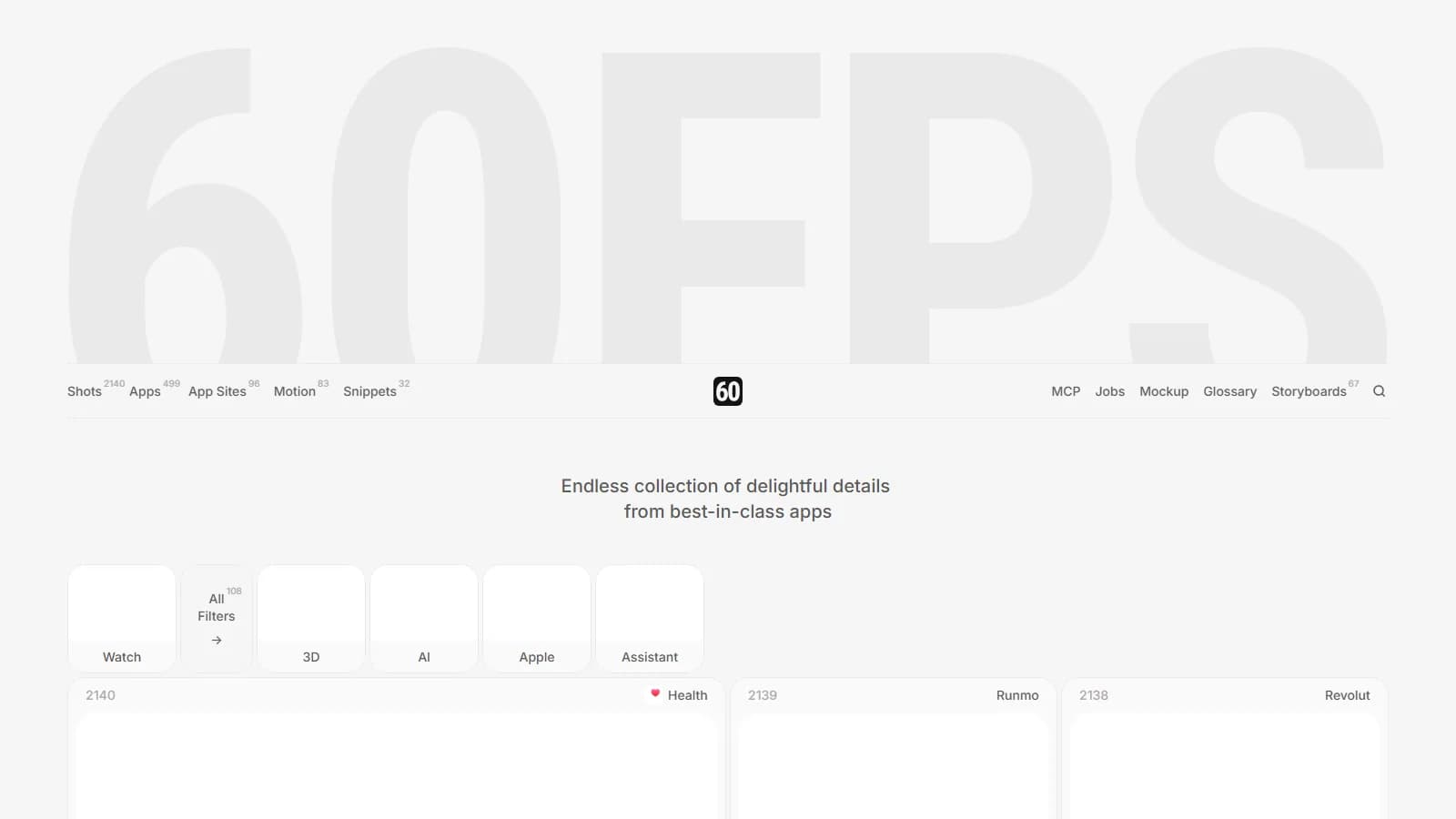
Its official Figma plugin transfers selected screens directly into production workspaces, drastically reducing research overhead when planning budgets via our cost calculator projections. For micro-interactions and transitions, the platform focuses on static architectural hierarchies rather than video-driven motion design, as discussed in our 60fps.design review. Furthermore, its native Model Context Protocol (MCP) server enables AI development environments like Claude and Cursor to parse interface context directly for automated UI synthesis.
| Evaluation Metric | Manual Research Workflow | Mobbin Architecture |
|---|---|---|
| Pattern Discovery | Downloading apps and manually taking device screenshots | Instant filtering across 600,000+ screens and flows |
| Flow Cohesion | Disjointed, out-of-order screen captures | Verified end-to-end step sequences |
| Figma Integration | Manual screen cropping and pasting | One-click vector transfer via official Figma plugin |
| AI Agent Integration | Manual image uploads and descriptive prompting | Native MCP server and llms.txt endpoint context |
When to Use and When to Avoid in Production
Use Mobbin when architecting new digital products, structuring complex checkout or onboarding flows, or refactoring legacy SaaS dashboards. However, Mobbin is not a template generator; it cannot replace establishing unique brand identity, user research, or distinct value propositions. Do not assume every popular interface complies with accessibility standards or regional legal constraints.
Kling Digital Architectural Note
Be aware of survivorship bias when reviewing top-tier applications on Mobbin. A complex pattern in a market leader does not guarantee optimal usability for your target audience. Always validate architectural patterns against your own analytics and user telemetry.