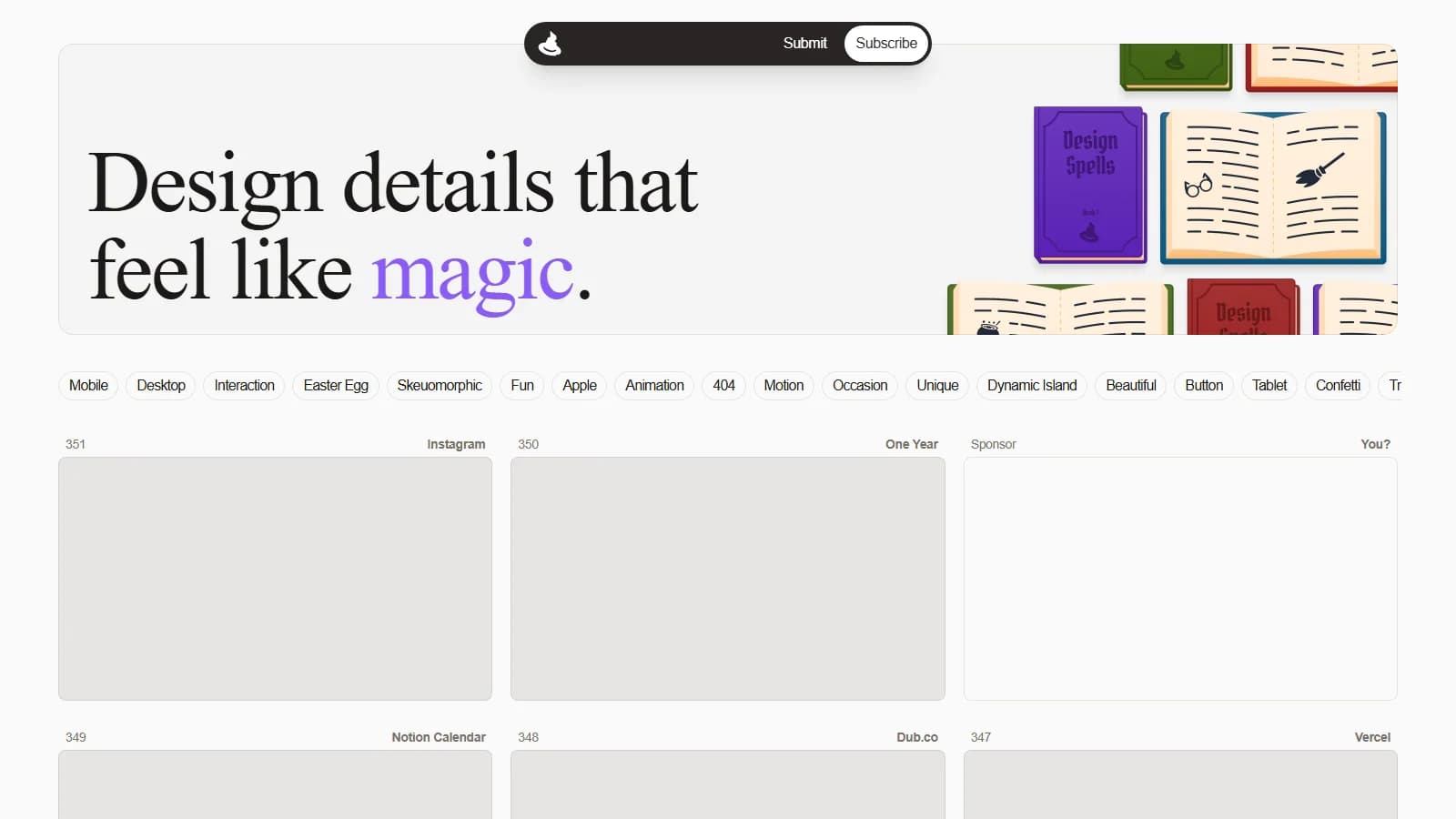
60fps.design is a curated reference library documenting micro-interactions, viewport transitions, and gesture-driven user patterns across modern digital products at a pristine 60 frames per second. By cataloging physics-based feedback such as drags, pinches, and gyroscopic motion via isolated video clips, filmstrips, and motion tokens, the platform bridges the handoff friction between interface designers and software engineers.
Engineering Brief
The repository provides architectural analysis for over 2,140 high frame-rate recordings through parametric gesture filters. Motion curves provided alongside clips reduce the engineering hours spent recreating tactile spring mechanics in production codebases. Support for 60fps MCP and llms.txt standardizes contextual interaction data for AI-assisted UI workflows.
Why It Surfaced on Our Radar: Production Realities
The most pervasive failure mode in frontend product cycles occurs when prototype physics authored in design tools fail to survive production delivery. While designers configure precise spring stiffness and damping constants inside Figma, software engineers often decipher these behaviors from static comps or compressed screen recordings. Shipping 30 FPS GIFs across asynchronous Slack threads fails to capture the fluid tactile sensation required on 120Hz mobile viewports.
Discovered during frontend benchmarks conducted by Kling Digital, 60fps.design eliminates this handoff ambiguity. It decomposes component interactions across 499+ market-defining apps including Apple Health, Revolut, and Duolingo down to the sub-frame level. A team can inspect the precise deceleration curves and velocity transfer of a nested drawer release with millisecond accuracy.
Under the Hood: Architecture, Gestures, and Tech Stack
The platform relies on React paired with hardware-accelerated Canvas playback to buffer high-bitrate video assets with zero input latency. Scrubbing gesture states with a cursor or trackpad renders fluidly without dropped frames. This architectural precision proves invaluable when standardizing temporal properties within an enterprise UI/UX design systems engagement.
Video payloads are served as optimized WebM and MP4 fragments to respect system memory constraints during prolonged research sprints. When auditing layout shifts and rendering thread costs, teams can execute our proprietary speed tester to verify whether matching interaction patterns will bottleneck the browser's main compositor thread. In contrast to broad user journey flows featured in our Mobbin review, 60fps.design focuses strictly on physical response curves and spatial motion algorithms.
| Evaluation Metric | Conventional Handoff Workflow | 60fps.design Methodology |
|---|---|---|
| Interaction Documentation | Low-bitrate screencasts or static prototype links | Frame-by-frame 60 FPS video and scrubbable storyboards |
| Filter Granularity | Broad screen-type taxonomy (e.g., Onboarding, Paywall) | Parametric gesture filters (Pinch, Drag, Gyroscope, Long Press) |
| AI Agent Integration | Proprietary walled gardens lacking structured text context | Direct retrieval via llms.txt and Model Context Protocol (MCP) |
Production Guidance: When to Adopt and When to Bypass
60fps.design provides an exceptional tactical advantage when engineering retention-critical mobile interfaces, checkout funnels, and FinTech transaction confirmations that depend on tactile trust. Conversely, teams building text-dense internal portals, low-spec inventory enterprise software, or data-grid backends should bypass these resource-intensive motion mechanics to prevent layout reflows and excessive battery drain on unaccelerated client hardware.
Kling Digital Architecture Note
When implementing continuous micro-interactions, animating properties beyond CSS `transform` and `opacity` (such as `width`, `height`, or margins) triggers geometric layout recalculations. Always inspect 60fps.design references with the browser profiler to enforce compositor-only rendering layers.