Kling Digital
en
Contact
Kling Digital Editorial & Engineering TeardownInspiring Web Experiences94/100

Framer Review: AI Design Agent and Modern Web Engineering

Next-generation visual web development platform from canvas to React-based edge deployment.

Framer accelerates production by combining a freeform design canvas with an autonomous AI agent, relational CMS, and global edge hosting architecture.

Technical Specifications
Official Domainframer.com
Resource ClassWeb Tool & SaaS
Pricing & LicensingFreemium
Entry Price$0 Free / Site Plans
LicenseCommercial Web Platform
Supported Platforms
Web BrowsermacOSWindowsFigma & AI IDE
Built For
UI/UX & Product DesignerFounder & Product ManagerSEO & Growth Lead
framer.com
60-Second Practical Workflow Recipe

Our recommended step-by-step sequence to extract tangible output within your first minute.

  1. 1Create an account on framer.com and initialize a project via blank canvas or the AI generation prompt.
  2. 2Design components, wire up CMS collections visually on the canvas, and configure responsive breakpoints.
  3. 3Click Publish to deploy the project with custom domains across global edge infrastructure.

Power Shortcuts

Cmd+KCmd+PF

Framer is a professional visual web development platform that unites freeform canvas workflows with production React code, powered by an autonomous AI design agent, relational CMS, and a global edge infrastructure. It removes handoff friction between design and engineering, allowing high-performance websites to deploy within minutes.

Engineering Summary

Framer operates on a hybrid architecture rendering directly onto a React component model while preserving a Figma-like design canvas. The integrated AI agent generates fully responsive layouts from text prompts, supported by semantic JSON-LD schemas. Automated deployment to global edge networks yields minimal TTFB metrics across dynamic and static assets.

Production Context: Solving the Design-to-Code Bottleneck

Marketing and product organizations face significant delays when translating pixel-accurate Figma concepts into frontend sprints. Traditional workflows require weeks to draft layouts, write responsive breakpoints, and wire up headless CMS fields. Framer eliminates handoff steps by generating executable code directly from canvas layers. As teams build, production-optimized DOM trees and CSS modules compile in real time, drastically shortening delivery timelines.

Under the Hood: Architecture, Interactions, and Stack

The core engine relies on a custom rendering pipeline ensuring high-frame-rate vector manipulation directly in the browser. Elements map to standard React component interfaces, allowing external npm dependencies or bespoke code overrides to execute natively. When architecting enterprise interfaces, the atomic patterns delivered through Kling Digital web design services correspond directly with Framer component variants.

Websites deployed on Framer achieve high Lighthouse scores without third-party optimization pipelines. Media assets convert automatically to WebP and AVIF, critical CSS inlines upon delivery, and unused scripts undergo tree-shaking. Verifying edge cache hit ratios using the Kling Digital speed tester confirms low latency at global points of presence. For teams adding spatial elements, interactive assets evaluated in our Spline review embed directly into Framer without runtime performance degradation.

Evaluation MetricTraditional WorkflowFramer Methodology
Development CycleManual HTML, CSS, and React coding after Figma approval.Canvas vector layers compile immediately into optimized React.
Content ManagementRequires separate headless CMS installation and API routing.Visual relational CMS links directly to canvas layers.
Search Engine IndexingRequires manual meta tags, SSR routing, and schema wiring.Built-in technical SEO controls, auto-sitemaps, and JSON-LD.

When to Deploy vs. When to Reconsider

Framer provides an ideal runtime for SaaS marketing sites, agency portfolios, editorial hubs, and campaign landing pages. Native localization routing and privacy-focused analytics eliminate redundant client-side tracking scripts. However, projects requiring granular user authentication, relational database writing, or complex multi-step checkout flows need dedicated web app architecture, where Framer is best utilized solely as a marketing frontend.

Kling Digital Architecture Note

When structuring Framer projects for scale, avoid nesting component variants too deeply. Maintaining shallow DOM trees eliminates browser layout thrashing and sustains optimal Core Web Vitals across viewports.
Honest Engineering Scorecard: Strengths & Trade-Offs

Where It Excels
  • Instant translation of freeform vector layers into production-ready React code
  • Native AI agent transforming natural language prompts into responsive layouts
  • Automated asset optimization and sub-second global edge network delivery
  • Integrated indexing framework supporting technical SEO, sitemaps, and JSON-LD schemas
Real-World Constraints & Trade-Offs
  • Not designed for complex backends, multi-step checkouts, or relational transactional databases
  • Proprietary edge hosting model restricts self-hosting and export of raw codebases (vendor lock-in)
  • Granular role-based team permissions restricted to higher enterprise subscription tiers

Free-Tier Limits & Pricing Breakdown

Plan / TierPricingIncluded Scope & Hard Limits
Free$0 / moFramer subdomain, basic CMS, and platform testing
Mini / Basic$5 - $15 / moCustom domain, blog CMS collections, and base traffic allowances
Pro / Enterprise$30+ / moUnlimited CMS records, multi-language routing, analytics, and team roles

Technical Frequently Asked Questions

Verified Alternatives & Companion Tools

Compare sibling platforms and complementary utilities evaluated in the same workflow domain.

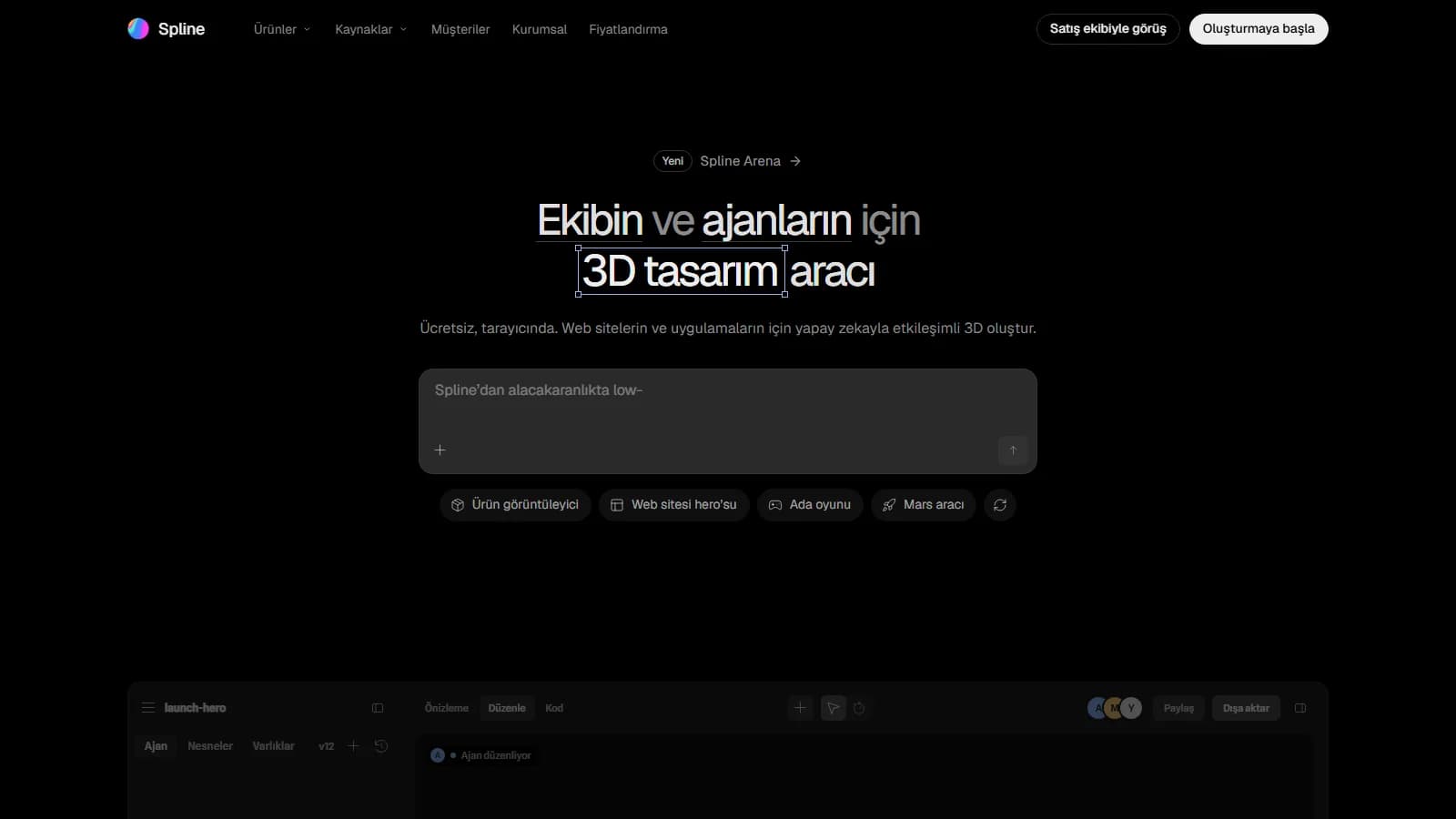
Spline: In-Browser 3D Design and WebGPU Runtime Engine
spline.designWeb Tool & SaaSFreemium94/100
Spline: In-Browser 3D Design and WebGPU Runtime Engine

Real-time in-browser 3D scene generation powered by AI agents and WebGPU.

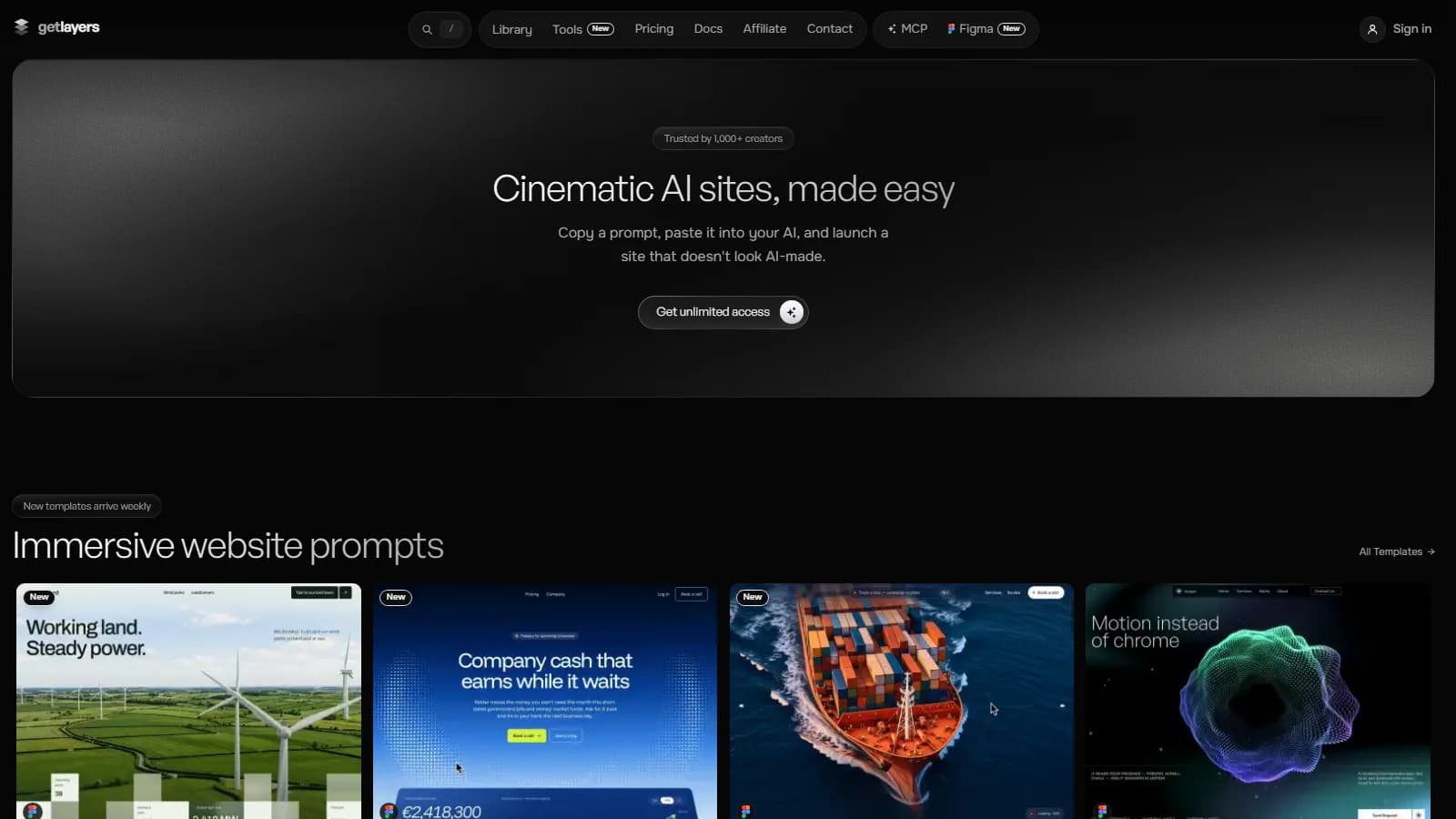
GetLayers AI Review: Cinematic WebGL & UI Prompt Library for AI IDEs
getlayers.aiWeb Tool & SaaSOne-Time License92/100
GetLayers AI Review: Cinematic WebGL & UI Prompt Library for AI IDEs

Cinematic Web Interface and WebGL Prompt Library for AI Coding

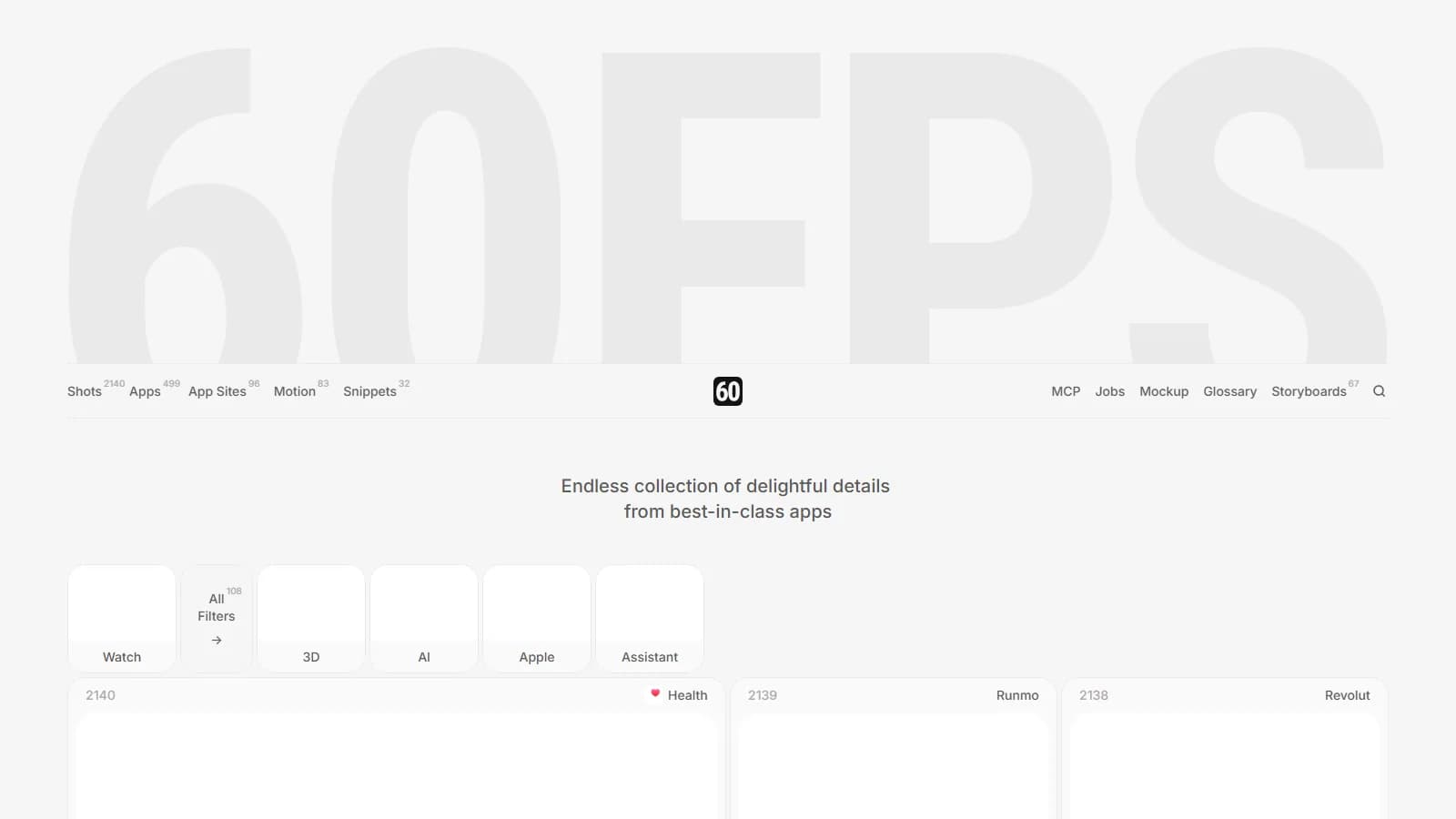
60fps.design Review: Fluid UI & Micro-Interaction Archive
60fps.designInspiring WebsiteFreemium94/100
60fps.design Review: Fluid UI & Micro-Interaction Archive

High frame-rate interaction patterns curated from top mobile and web applications

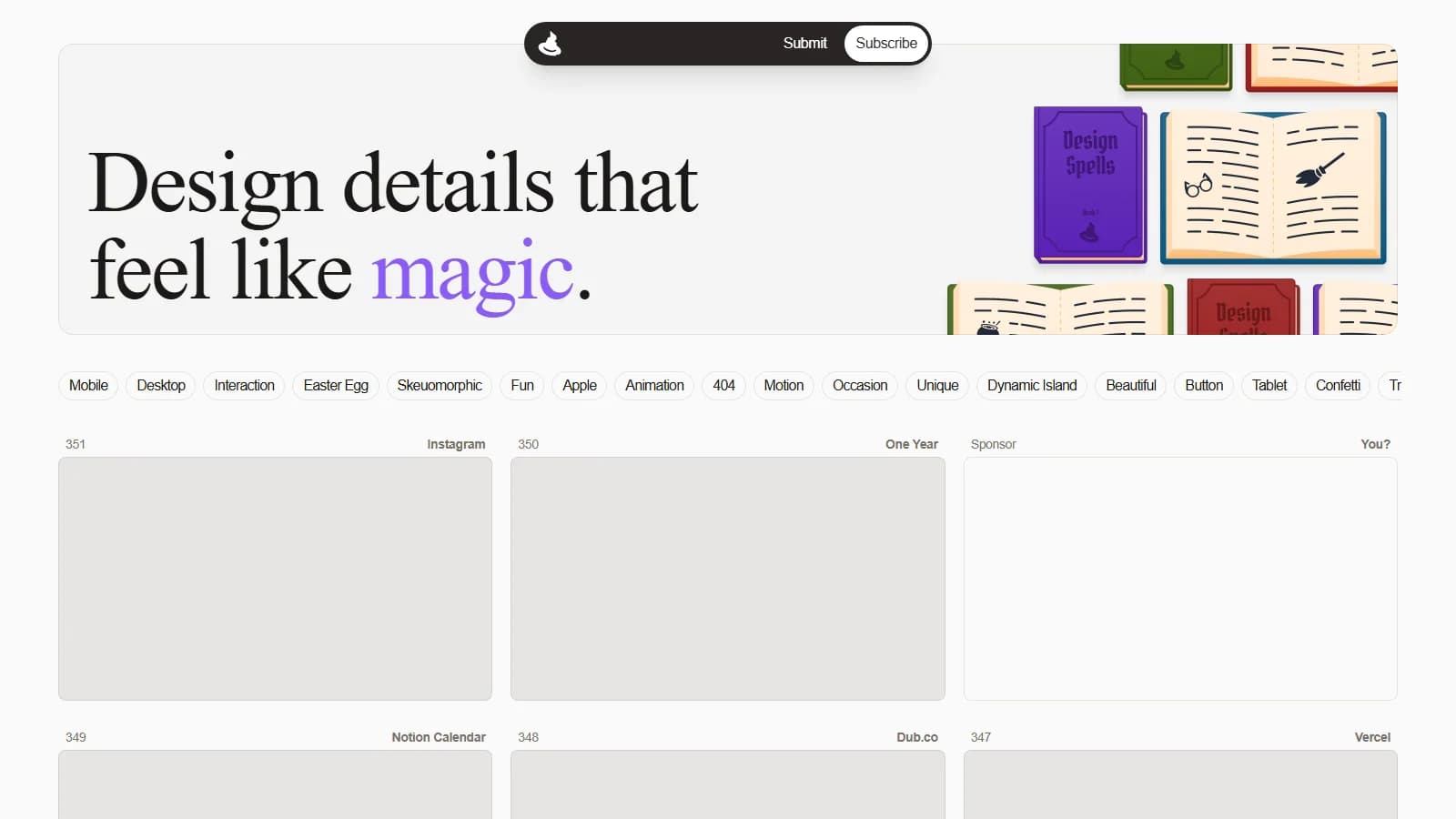
Design Spells Review: Curated Micro-Interaction & UI Detail Vault
designspells.comInspiring Website100% Free93/100
Design Spells Review: Curated Micro-Interaction & UI Detail Vault

Micro-interaction archive adding character and depth to digital interfaces

Enterprise Architecture & Custom Integration

Need Custom Integration or a Proprietary Enterprise Alternative?

Kling Digital architects custom Next.js platforms, multi-tenant SaaS products, bespoke design systems, and autonomous AI agent pipelines tailored to your operations.