Webflow is a visual web development, relational content management, and cloud publishing platform built for product designers, digital agencies, and B2B marketing teams that want pixel-level layout authority without writing front-end stylesheets by hand. Teams can prototype free on a staging subdomain and attach per-site plans as soon as custom domains, dynamic collections, and higher traffic allowances are needed.
Key Highlights
Unlike rigid template builders or purely freeform drawing tools, Webflow mirrors how real browsers calculate spacing, grids, and reusable style classes. Designers own the visual system and motion choreography while content marketers safely publish hundreds of structured CMS pages without breaking layouts.
Real-World Use Cases and Everyday Creative Needs Solved
In growth-stage companies, the marketing website is an active revenue product rather than a digital brochure. Waiting two sprints on core product engineers every time growth needs an industry landing page, comparison hub, or customer story creates painful bottlenecks. Conversely, lightweight drag-and-drop site builders quickly crumble once a brand manages dozens of interconnected content templates. Webflow bridges design craft and structured publishing scale.
- B2B SaaS and Technology Marketing Teams: Launch feature hubs, integration directories, glossary clusters, and solution verticals powered by interconnected CMS reference fields.
- Brand Studios and Creative Agencies: Deliver bespoke client flagships featuring multi-step scroll storytelling, Lottie vector sequences, and disciplined design token systems.
- Editorial and Organic Growth Teams: Publish structured articles, regional campaign pages, and case studies through a guardrailed visual editor that protects typography and spacing rules.
- Multi-Brand Marketing Operations: Share approved component libraries across internal teams using page branching and role-based publishing permissions.
Studio Experience, Visual Class System, and Output Quality
Inside Webflow Designer, every section, container, and button inherits styles through cascading classes and combo modifiers—meaning a single token adjustment updates typography, padding, or dark-surface contrast across an entire 200-page property instantaneously. The official Figma-to-Webflow plugin translates auto-layout frames and design variables straight into clean Webflow classes, cutting initial setup time dramatically.
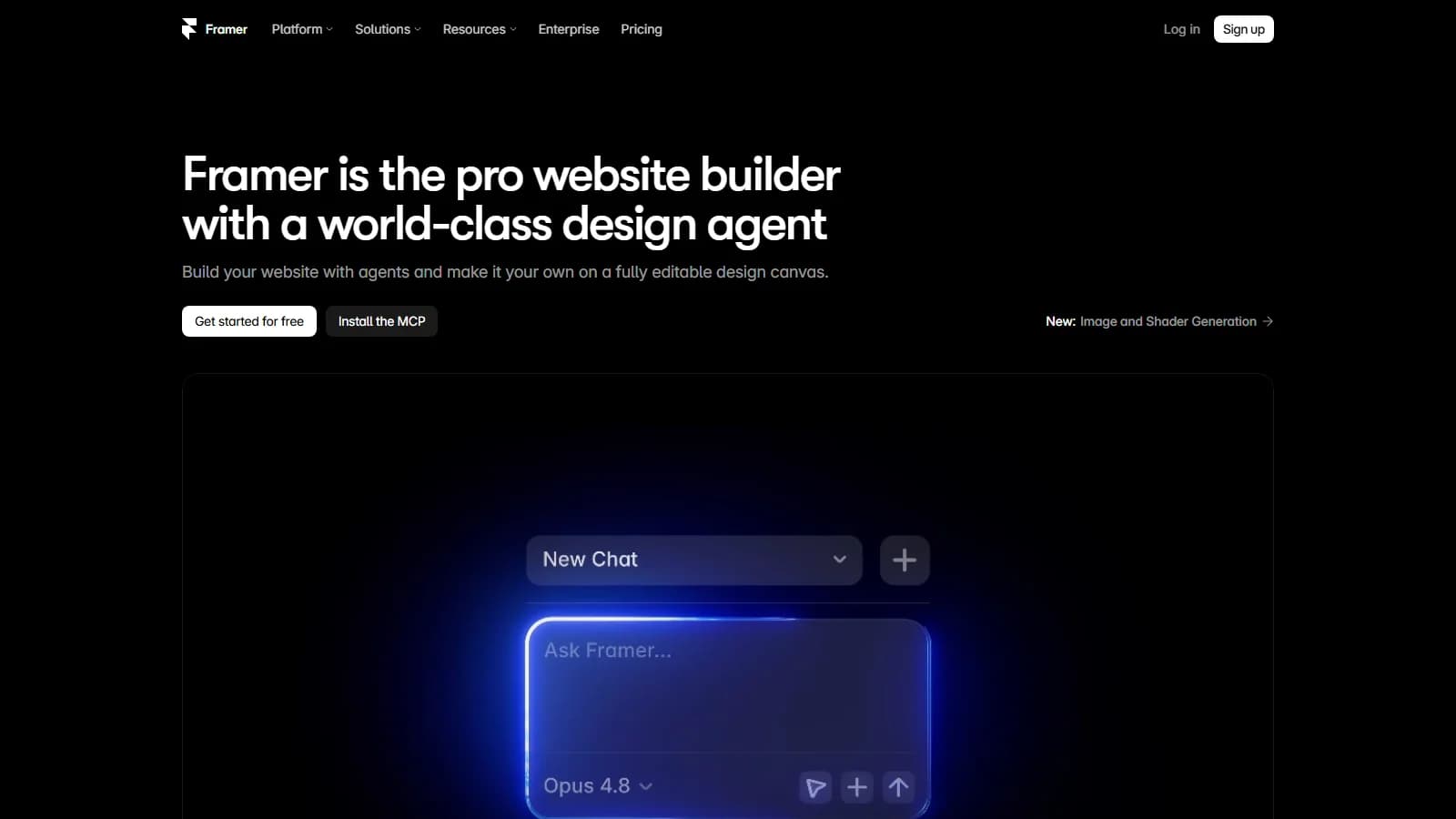
Webflow’s Interactions timeline gives creative directors tactile control over scroll-linked parallax, hover micro-states, and staggered reveal sequences while keeping clean semantic heading tags intact for search crawlers. Teams weighing freeform speed against structured class control can explore our Framer vs Webflow comparison guide or run their requirements through our interactive CMS and architecture selector tool.
Pricing Tiers, Bandwidth Caps, CMS 10,000+ Item Limits, and Export Rules
Evaluating total ownership cost in Webflow requires understanding its dual billing model: Site plans govern hosting, bandwidth, and CMS capacity per live domain, while Workspace plans charge per designer or developer seat building inside the studio. The popular CMS tier caps dynamic records at 2,000 items with 50 GB monthly bandwidth, whereas Business scales from 2,500 up to 10,000 CMS items via tiered add-ons. Adding native multi-language support through Webflow Localization also introduces recurring per-locale fees.
Code portability carries an equally important nuance. Paid Workspace subscribers can export clean static HTML, CSS, JavaScript, and media assets as a downloadable ZIP archive—yet dynamic CMS collections, form processing, site search, and e-commerce checkouts cannot be exported and remain tied to Webflow hosting. When organizations outgrow 10,000-item ceilings, face bandwidth overage surcharges during viral launches, or require complete codebase sovereignty, Kling Digital enterprise web design services deliver custom Next.js architectures with zero per-seat or per-locale licensing penalties.
| Evaluation Criteria | Webflow Visual Platform | Framer Canvas Studio | Custom Next.js Architecture — Kling Digital |
|---|---|---|---|
| Layout & Styling Paradigm | Reusable CSS class inheritance, variables, and box-model grids | Freeform Figma-style visual canvas with rapid responsive stacks | Bespoke component engineering with unrestricted UI architecture |
| CMS Depth & Item Ceilings | Relational multi-reference CMS; 2,000–10,000 items before Enterprise | Spreadsheet-style collections suited for lean marketing hubs | Unlimited records, six-locale parity, and custom business workflows |
| Code Export & Portability | Static HTML/CSS export on Workspace plans; CMS stays hosted | 100% closed cloud hosting with zero standalone code export | Complete source-code, domain, and independent cloud ownership |
| Scaling Cost Structure | Site plan + Workspace seats + per-locale and bandwidth add-ons | Per-site subscription plus extra editor seats and locale packs | Predictable long-term ownership with zero traffic or seat surcharges |
Pros, Cons, and When Enterprises Outgrow Webflow
Webflow excels when a design-literate marketing team needs autonomous control over a structured, search-optimized corporate website without maintaining a custom front-end deployment pipeline. Built-in 301 redirect rules, clean canonical controls, automatic WebP/AVIF compression, and custom structured data bindings make it far stronger for large content silos than lightweight page builders.
However, Webflow is purposefully engineered for marketing and editorial experiences rather than authenticated customer portals, multi-currency B2B commerce, real-time calculators backed by private company data, or strict data-residency compliance. Once monthly SaaS add-ons rival custom engineering budgets—or when your product demands unified customer login and full infrastructure independence—transitioning the flagship platform to custom Next.js architecture unlocks permanent scalability.
Kling Digital Editorial Note
Adopt a strict class-naming convention such as Client-First on day one inside Webflow, compress hero video and high-resolution imagery before upload, and audit unused interactions quarterly so both mobile load speed and monthly bandwidth quotas stay lean.